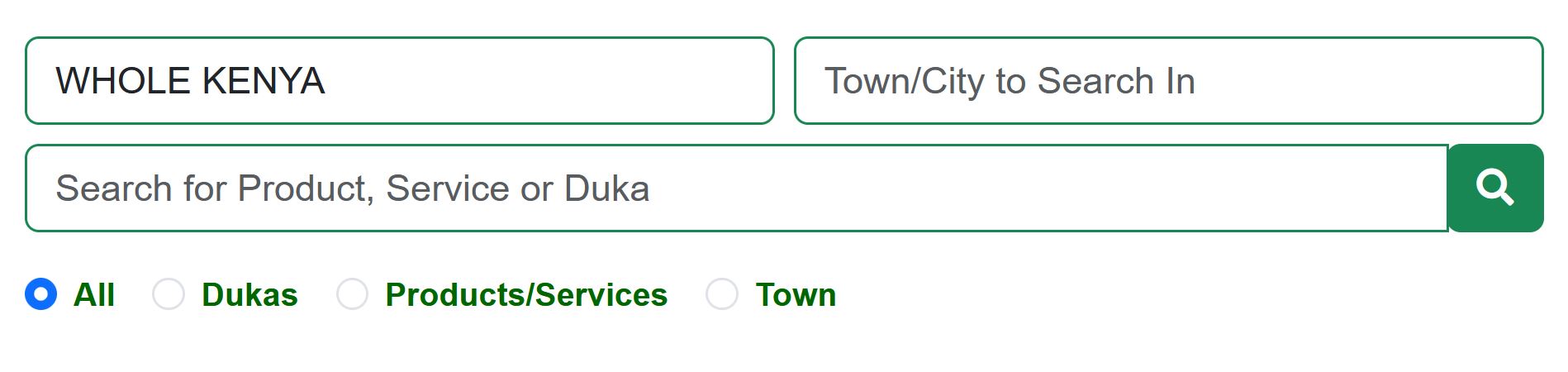
To search on Duka Maps, go to the search section and type what you are looking for. This can be a product, a service, or a duka (for example, electronics shop or hardware).
If you want results from a specific place:
- Enter a town or city
- Select an area
If you enter both town/city and area, make sure the town you entered is inside the area you selected. This helps Duka Maps give you accurate results.
You can also filter your results by choosing:
- All – to see both dukas and products/services
- Dukas – to see only shops/businesses.
If you wish to see all dukas on DukaMaps, select Dukas and leave everything else blank. - Products/Services – to see only items or services
- Town – to see all dukas in the selected town
(If you selected an area, make sure the town is in that area)

You can also search within a specific duka by typing in the search box on that duka’s page.